



About this app
Introduction
If you are a frequent user of Autodesk® Revit®, you know how important it is to keep your project organized and clutter-free. That's where the Scope Box Purge plugin comes in handy. This application helps you easily identify and delete unused Scope Boxes in your project, making it a must-have tool for efficient project management.
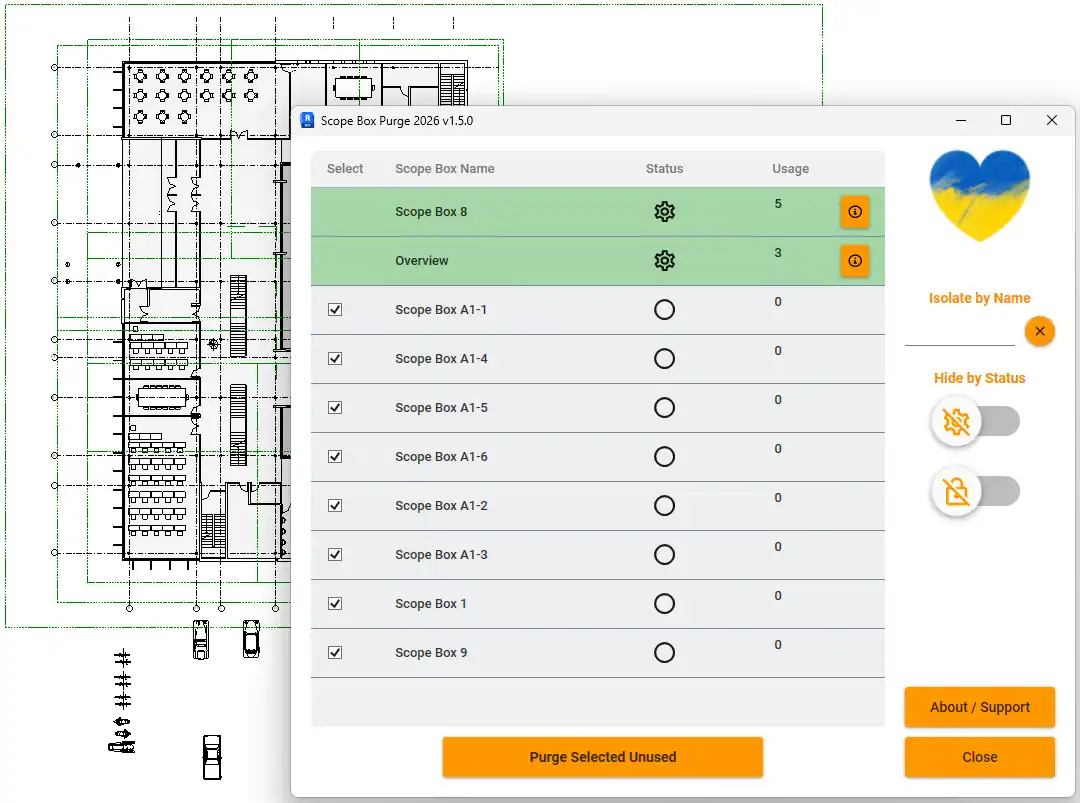
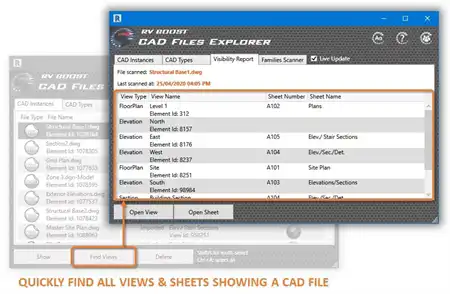
(Image by: Omnia Revio)
Overview of Features
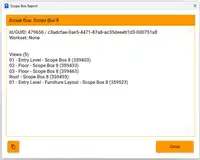
The Scope Box Purge plugin offers a simple and effective solution to managing Scope Boxes in your Revit project. With just a few clicks, you can quickly identify which Scope Boxes are not in use and safely delete them. The plugin provides a clear overview of the Scope Boxes present in your project, as well as information on where they are being used, such as views, levels, grids, or reference planes.
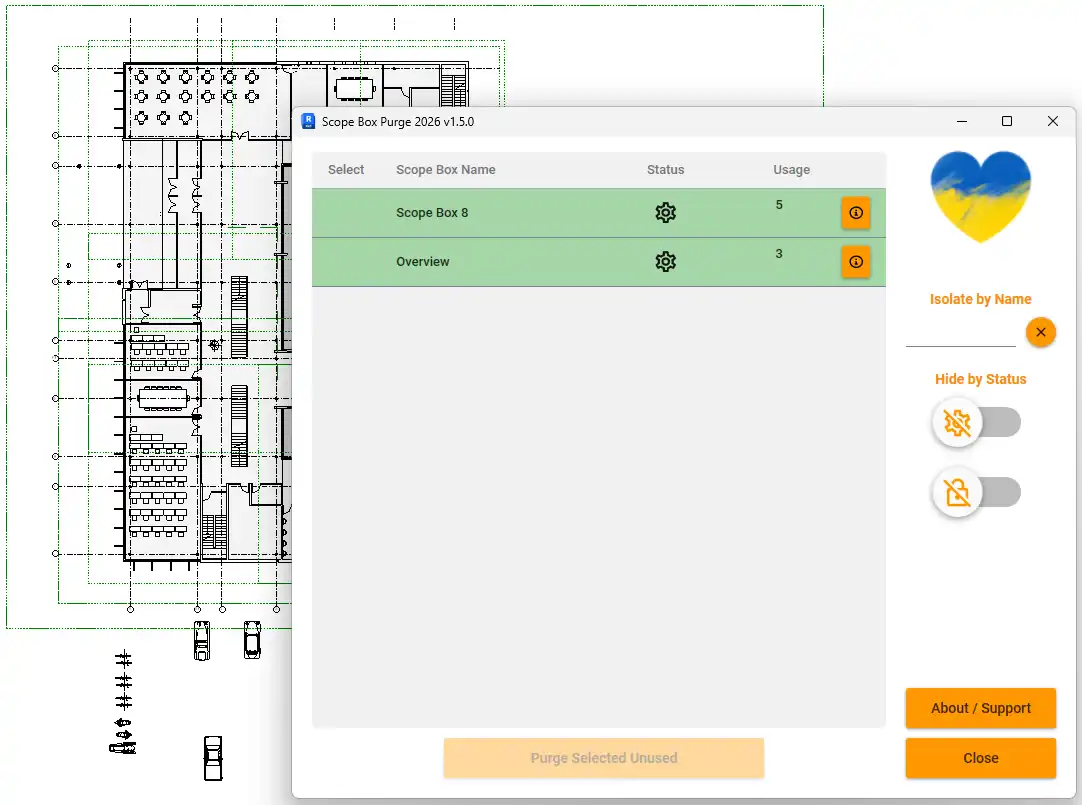
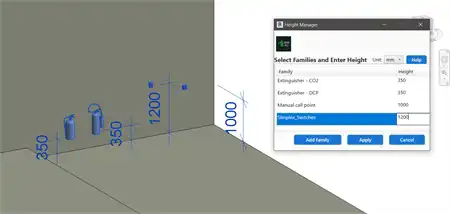
(Image by: Omnia Revio)
Benefits of Using Scope Box Purge
By using the Scope Box Purge plugin, you can streamline your workflow and improve the overall organization of your Revit project. It helps you save time by automating the process of identifying and removing unused Scope Boxes, allowing you to focus on more important aspects of your design.
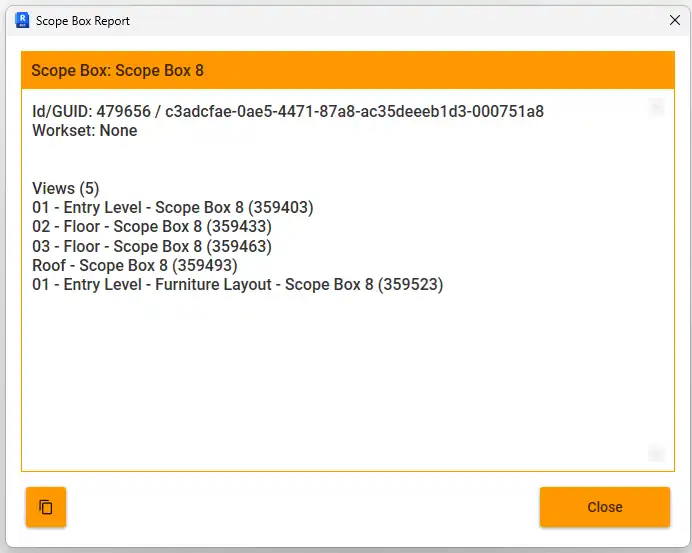
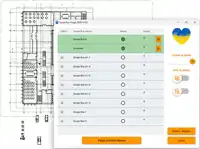
(Image by: Omnia Revio)
Summary
The Scope Box Purge plugin for Revit is a valuable tool for architects and designers looking to optimize their project management process. With its user-friendly interface and efficient functionality, this plugin is a must-have for anyone working with Autodesk® Revit®. Give it a try and experience the benefits of a clutter-free and well-organized project!
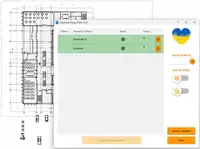
(Image by: Omnia Revio)