



About this app
Are you tired of spending hours manually reading Revit panel schedules, typing in CB ratings, and hoping you didn't miss anything? If so, the Electrical Panels Manager plugin might just be the solution you've been looking for. This powerful tool automates the process of calculating, naming, and exporting electrical panels in just seconds, saving you time and reducing the risk of errors. In this review, we'll take a closer look at the features and benefits of this plugin to help you decide if it's the right fit for your workflow.
Features
The Electrical Panels Manager plugin offers a range of features designed to streamline the electrical panel management process within Revit. Here are some of the key features:
(Image by: BIM_OS)
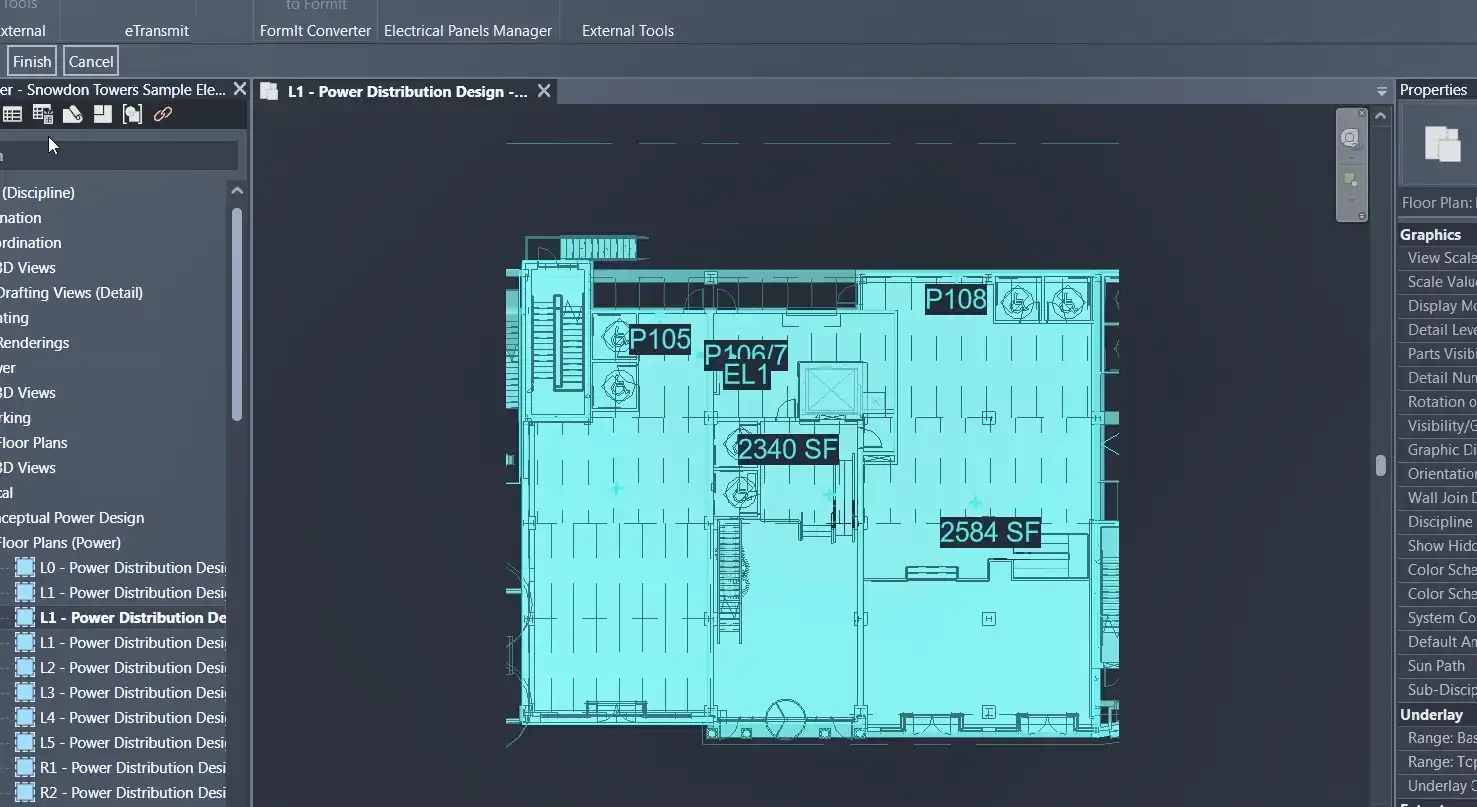
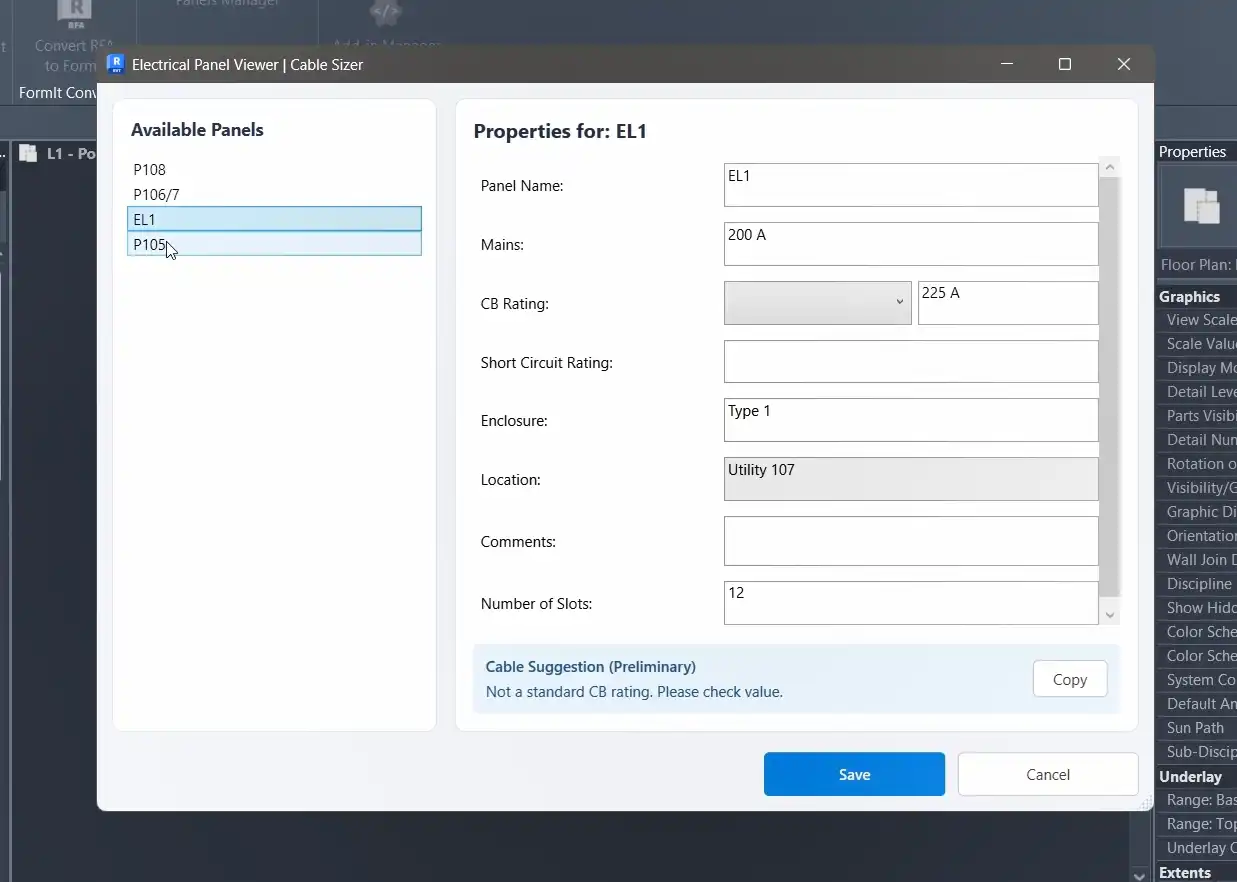
Auto-Find Panels
With the Electrical Panels Manager, you can instantly detect all electrical panels in your active view with just a click of a button. You can also switch to whole-project mode to scan all panels at once, eliminating the need for manual selection or filtering.
(Image by: BIM_OS)
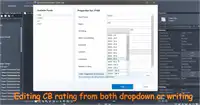
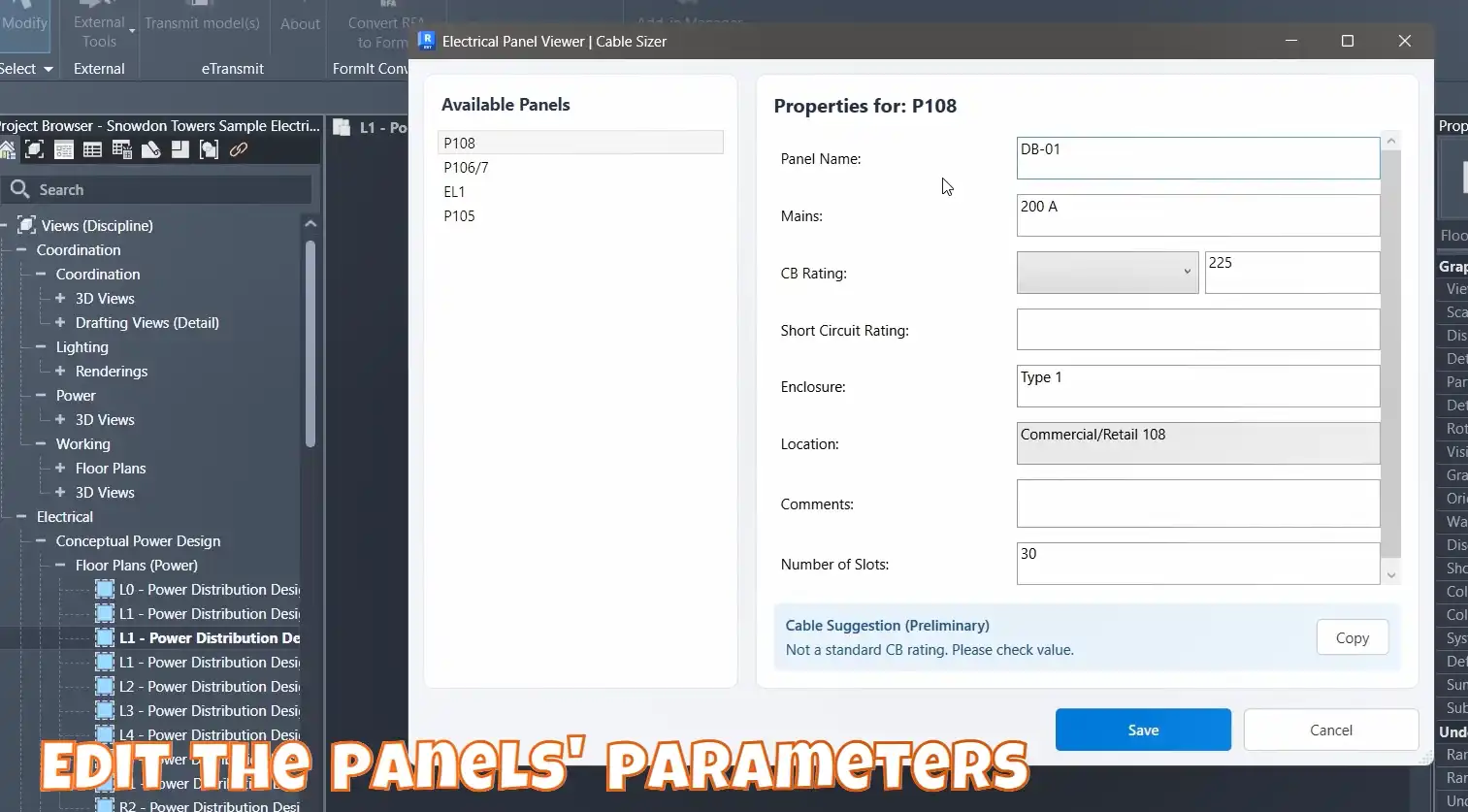
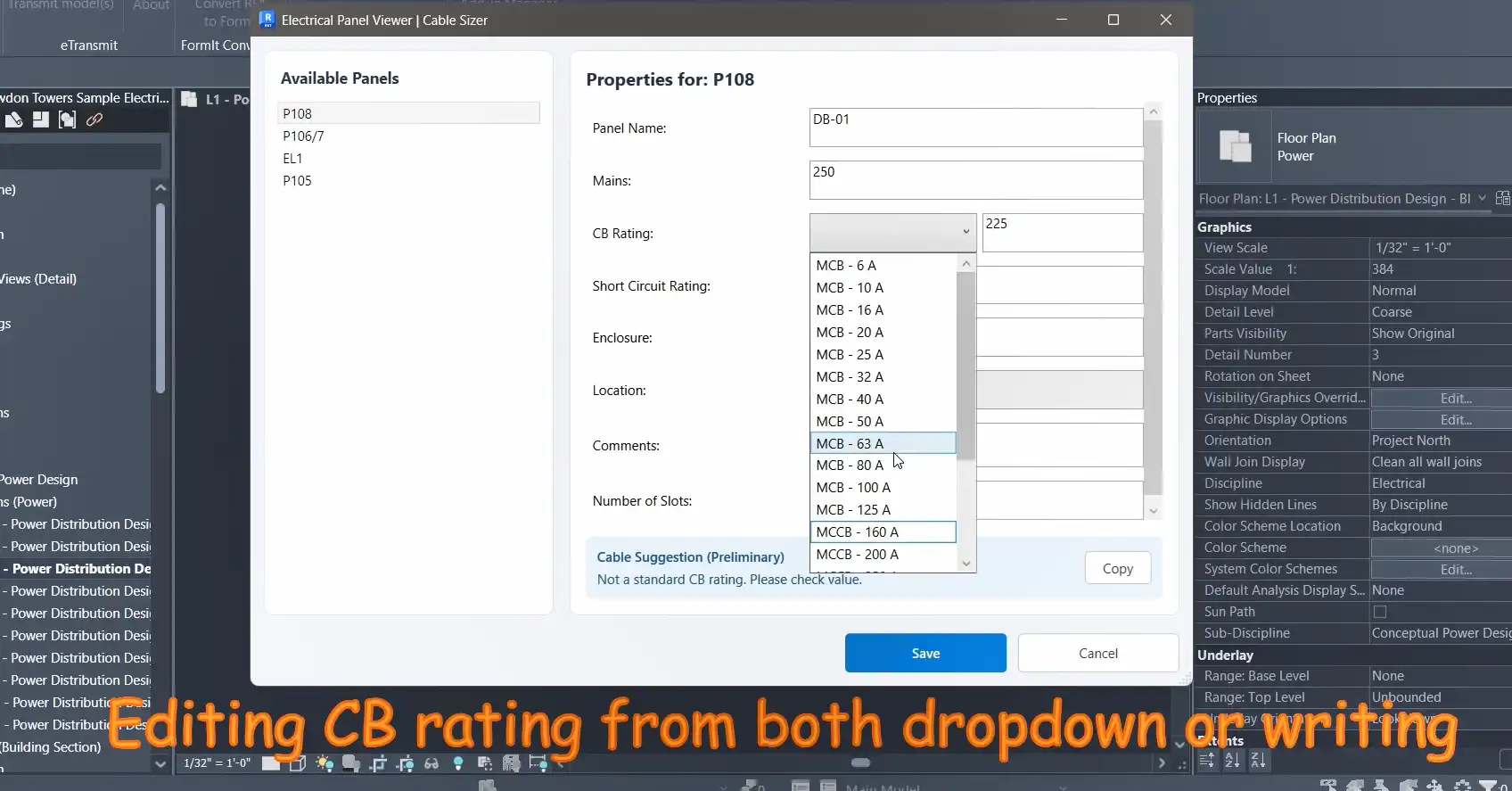
Auto-Calculate Mains & CB Ratings
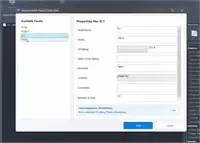
The plugin reads the connected load from Revit, applies the IEC 60364-4-43 safety factor, and automatically sets the correct Mains and CB ratings for each panel. This saves you time and ensures accuracy in your calculations.
(Image by: BIM_OS)
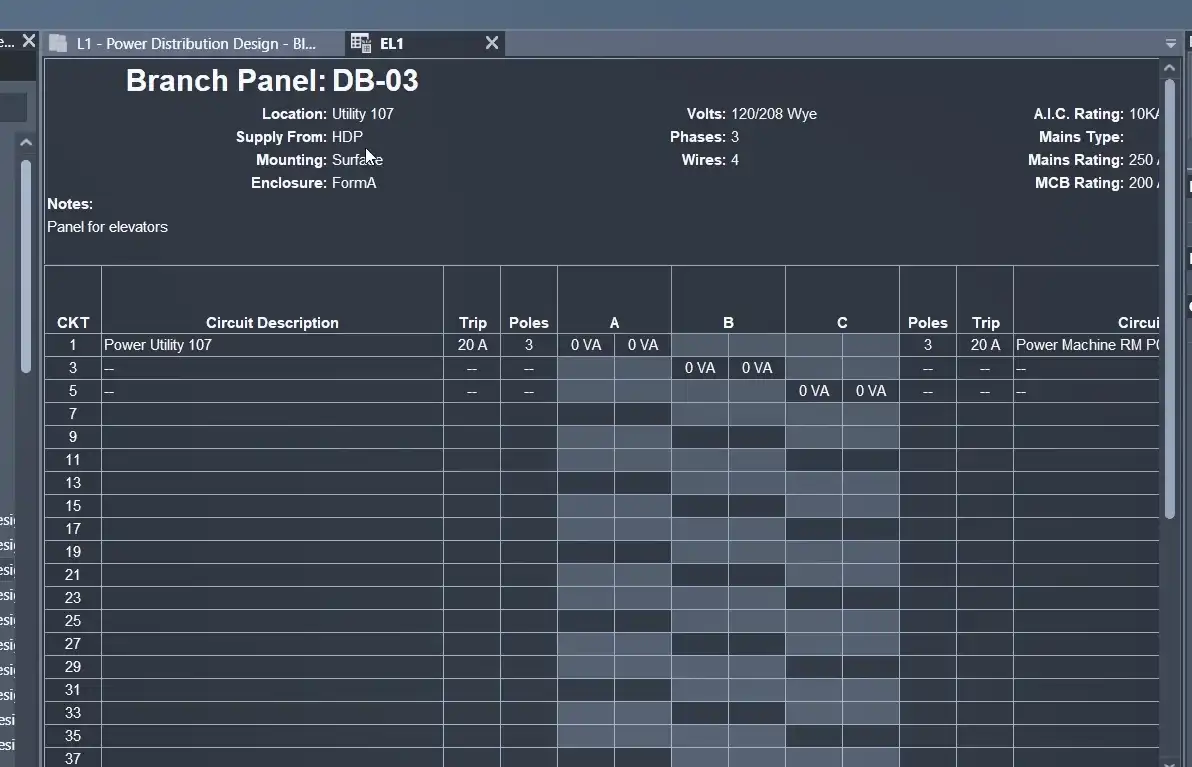
Smart Auto-Naming
Say goodbye to manually naming panels with generic codes like "DB-GF-01" or "DB-GF-02." The Electrical Panels Manager allows you to set your own naming conventions and automatically names every panel on every floor, grouped by level or location reference.
(Image by: BIM_OS)
IEC Cable Sizer
Need to size feeder cables per IEC standards? The plugin's built-in cable sizer provides instant cable size recommendations that are compliant with IEC 60364-5-52. Simply select a panel, enter the cable run length, and get all the information you need, including conductor cross-section, voltage drop percentage, protection device type, and installation method derating.
(Image by: BIM_OS)
Export to CSV
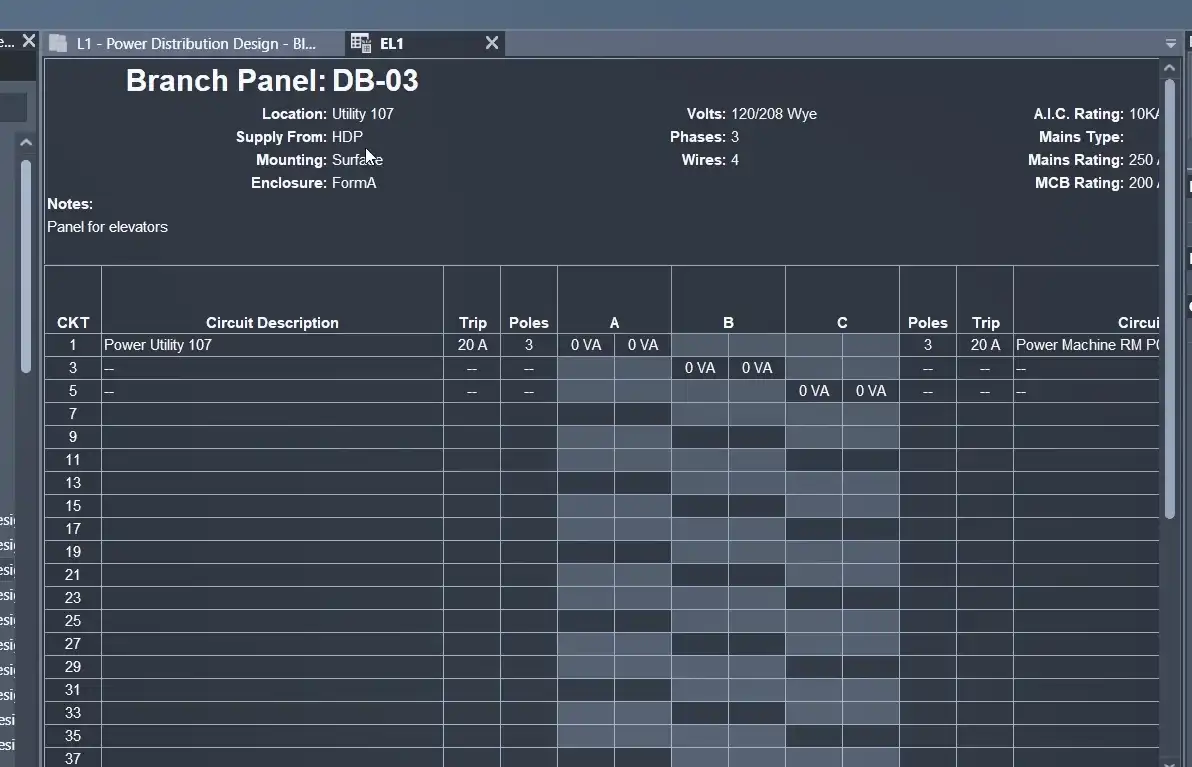
Once you've calculated and named your panels, you can easily export all the data to a clean spreadsheet with just one click. This makes it easy to share with clients or attach to your submittals.
(Image by: BIM_OS)
Real Engineering Practice
The Electrical Panels Manager plugin is designed to support real engineering practice, with features that cater to the specific needs of MEP engineers, BIM engineers, electrical consultants, and anyone tired of repetitive parameter editing. It supports both 3-phase and single-phase systems, follows IEC standard series for CB ratings, and provides cable ampacity tables per IEC standards.
Time Saved
On average, a project with 20 panels could take 2-3 hours to process manually. With the Electrical Panels Manager, this time is reduced to under 5 minutes. That's a significant time savings that can be better spent on other tasks or even leaving the office early!
Who Is It For?
The Electrical Panels Manager plugin is ideal for MEP engineers, BIM engineers, electrical consultants, and anyone looking to streamline their electrical panel management process in Revit. If you're tired of repetitive tasks and want to ensure accuracy and compliance in your documentation, this plugin is worth a try.
Conclusion
The Electrical Panels Manager plugin offers a comprehensive set of features that can greatly improve the efficiency and accuracy of your electrical panel management in Revit. By automating tasks such as panel detection, load calculation, naming, and cable sizing, this plugin saves you valuable time and reduces the risk of errors. Whether you're a seasoned MEP engineer or a BIM professional, this plugin is a valuable addition to your toolkit. Give it a try and see the difference it can make in your workflow.